Merite guide
Earn time first. Spend it on purpose.
Merite turns distracting apps into something you unlock after meaningful work. This guide shows what each part of the app is for.
01 · Balance
Earned time is your screen-time budget.
When tasks are completed, minutes are added to your balance. The balance card shows how much time is ready to spend today.
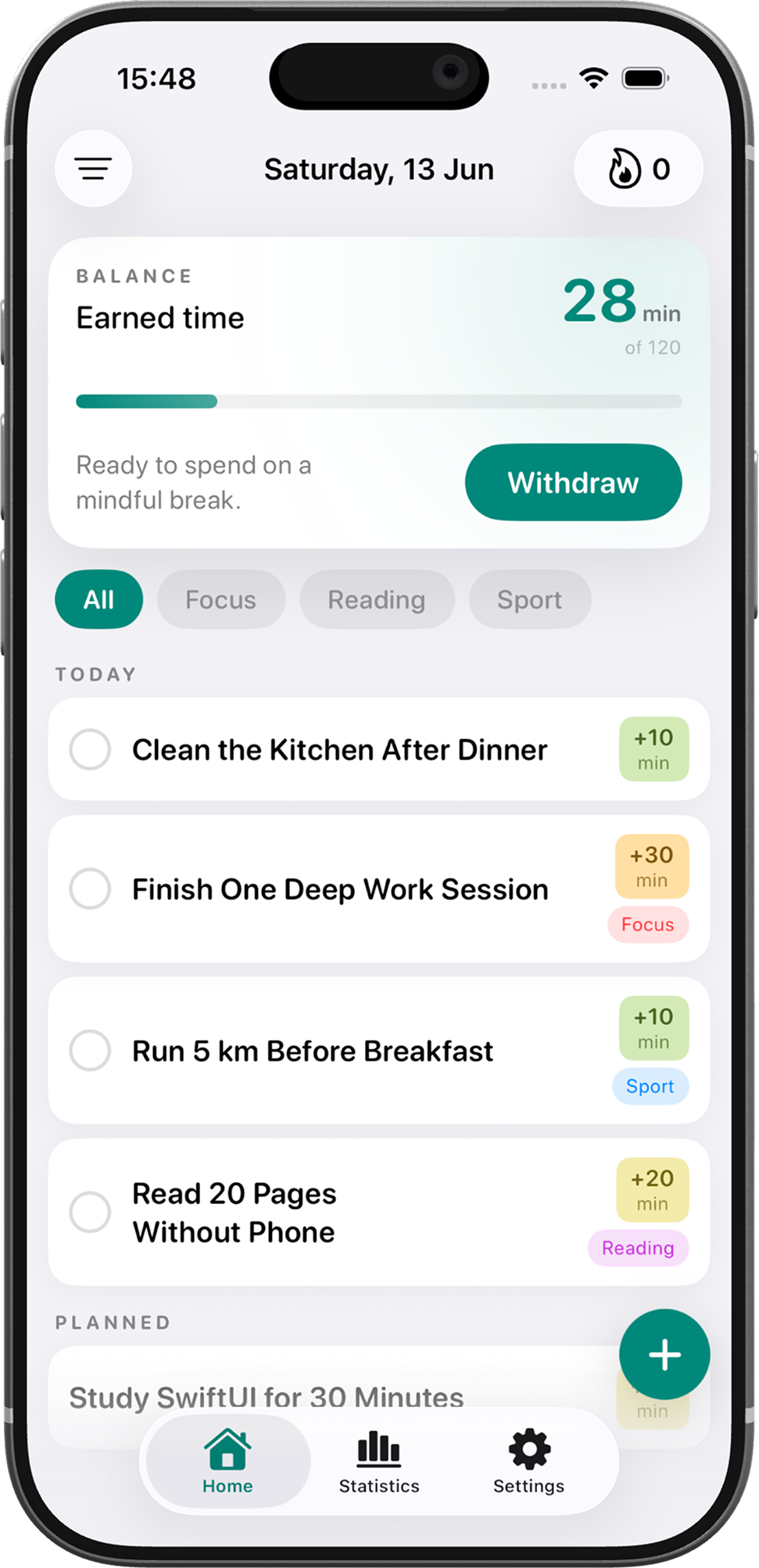
Current earned minutes
02 · Tasks
Tasks decide how time is earned.
Give each task a reward, category, repeat rhythm, and reminder. Clear rewards make the loop predictable.
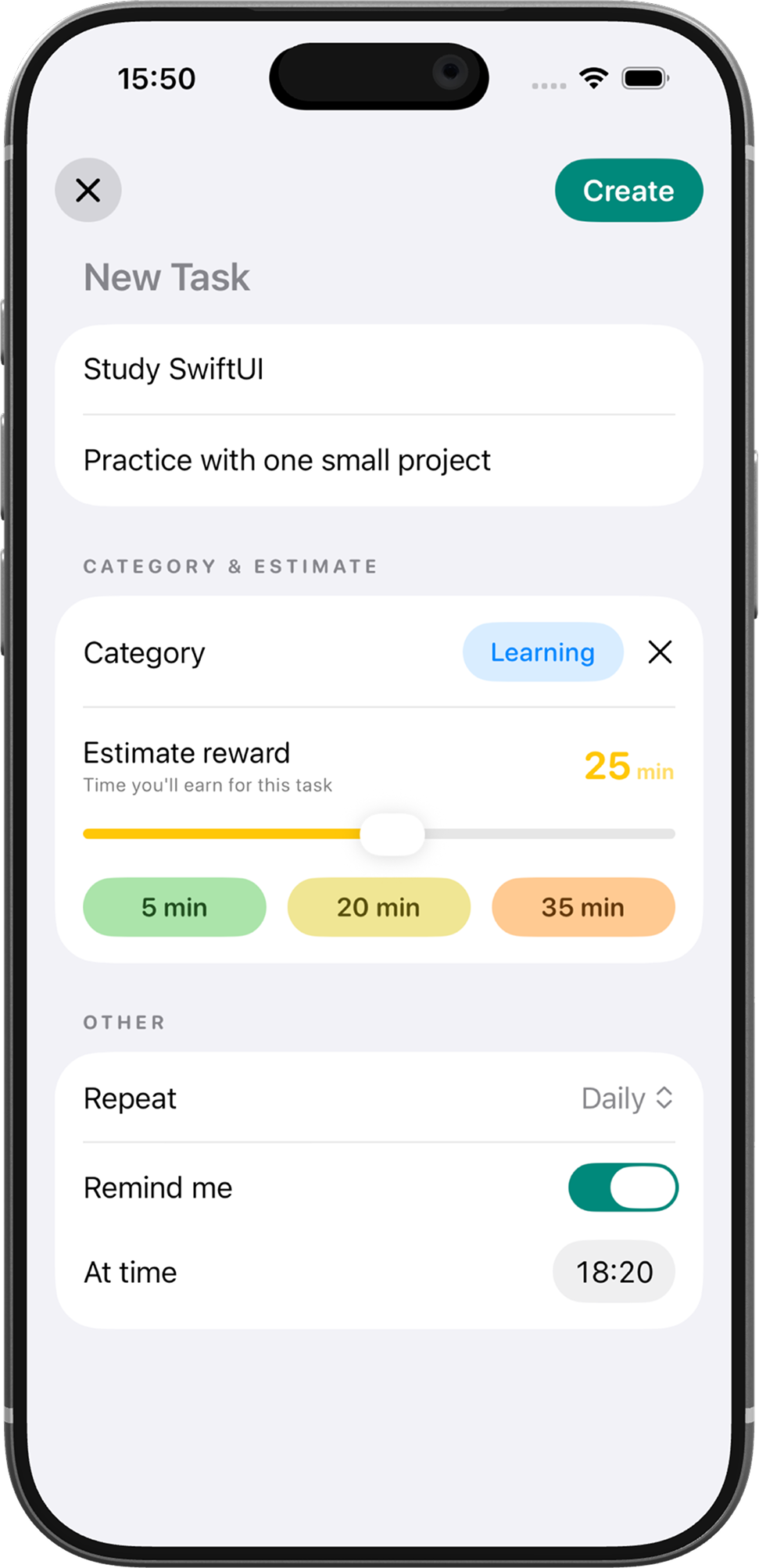
Reward added after completion
03 · Withdraw
Withdraw opens selected apps for a limited break.
Choose how many minutes to spend. Merite shows what will remain before you unlock apps.
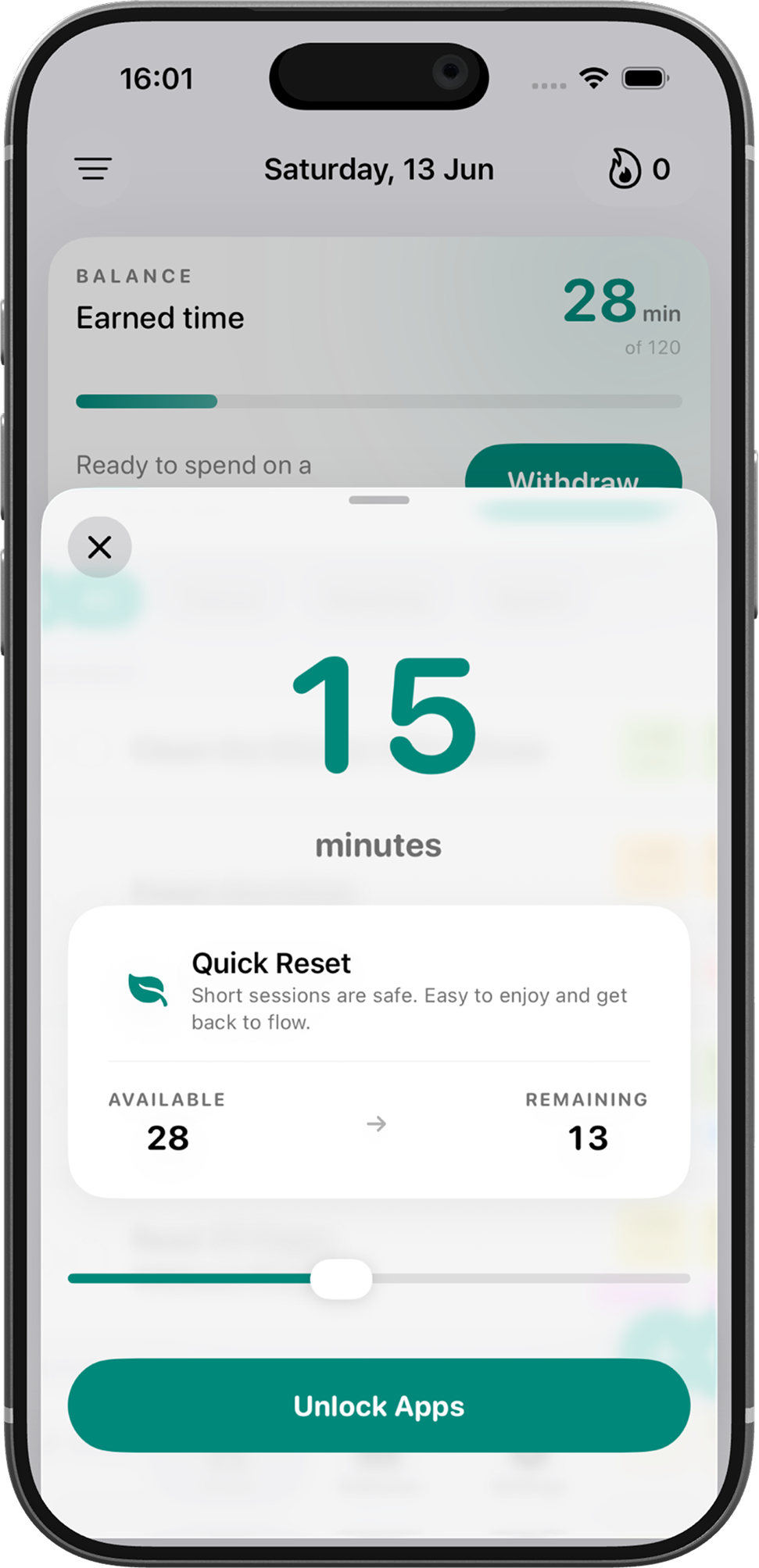
Unlock uses earned balance
04 · Insights
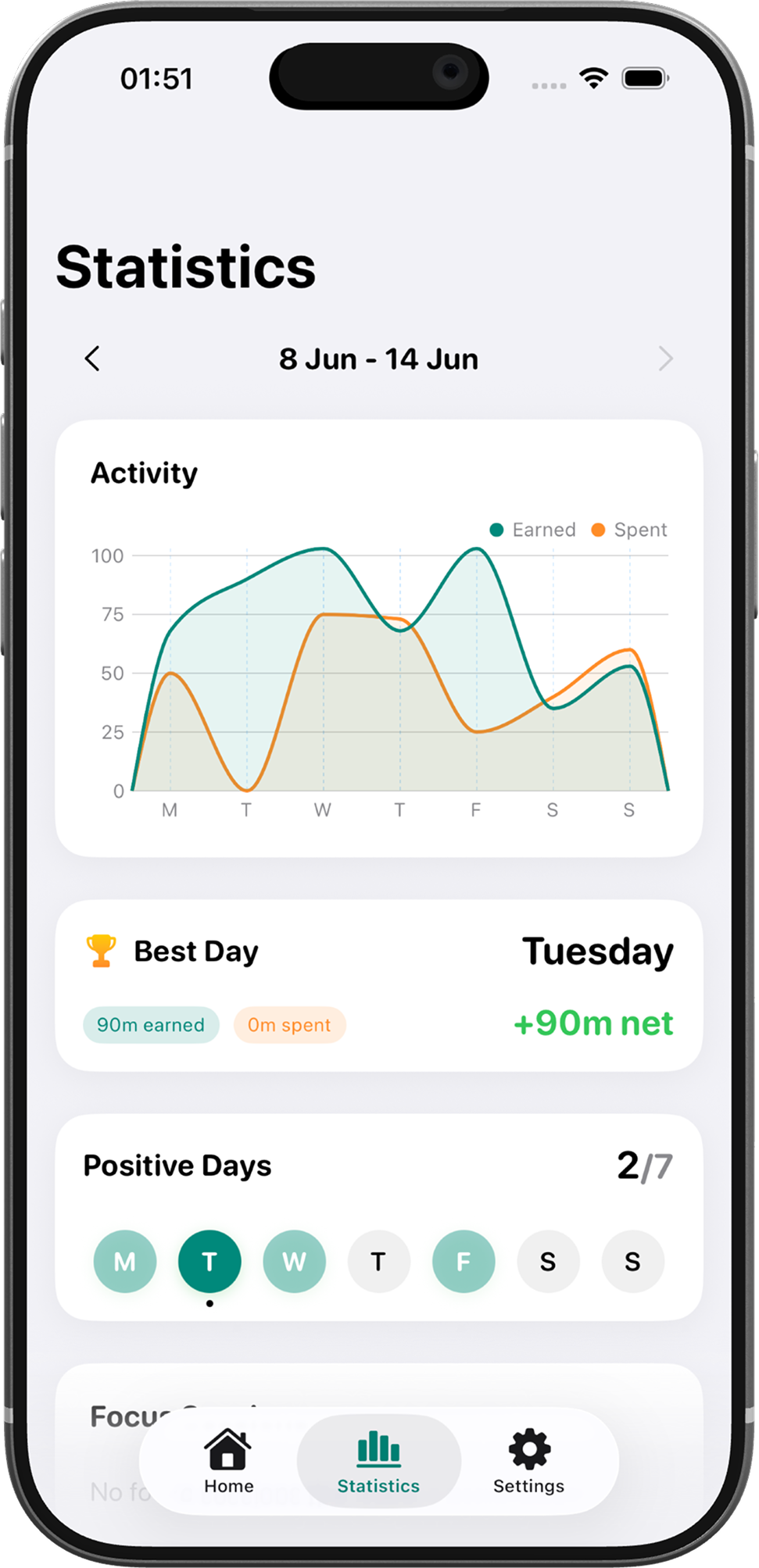
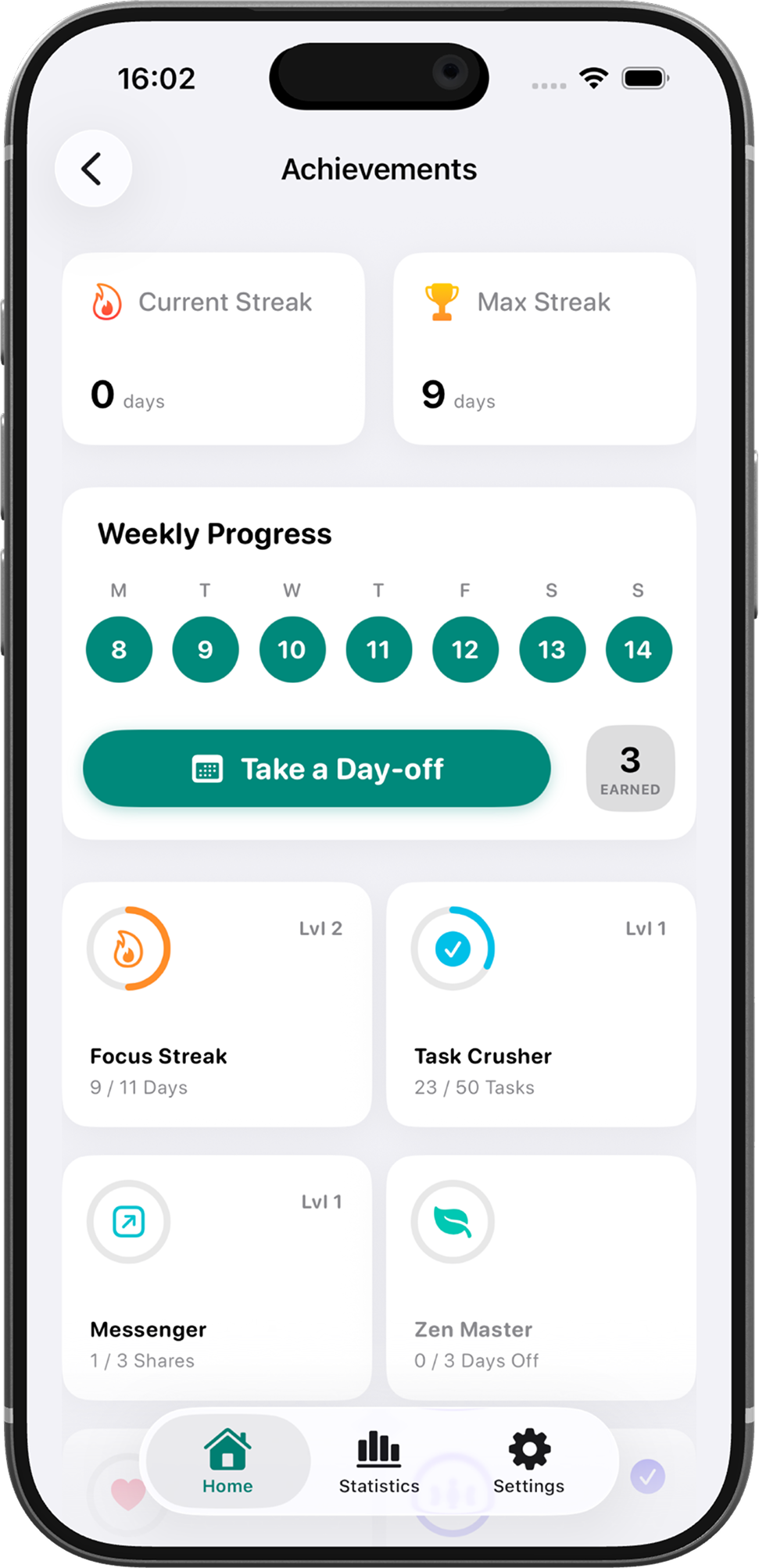
Statistics and streaks keep the habit readable.
Track earned vs spent time, protect momentum, and see whether the week is moving in the right direction.